
Use Chat to keep work conversations with your team in ShiftDispatch. Follow
your manager's expectations for when to check and respond to messages.
Before you start
Sign in to the staff app and choose the team you want to message.
Read and reply to a conversation
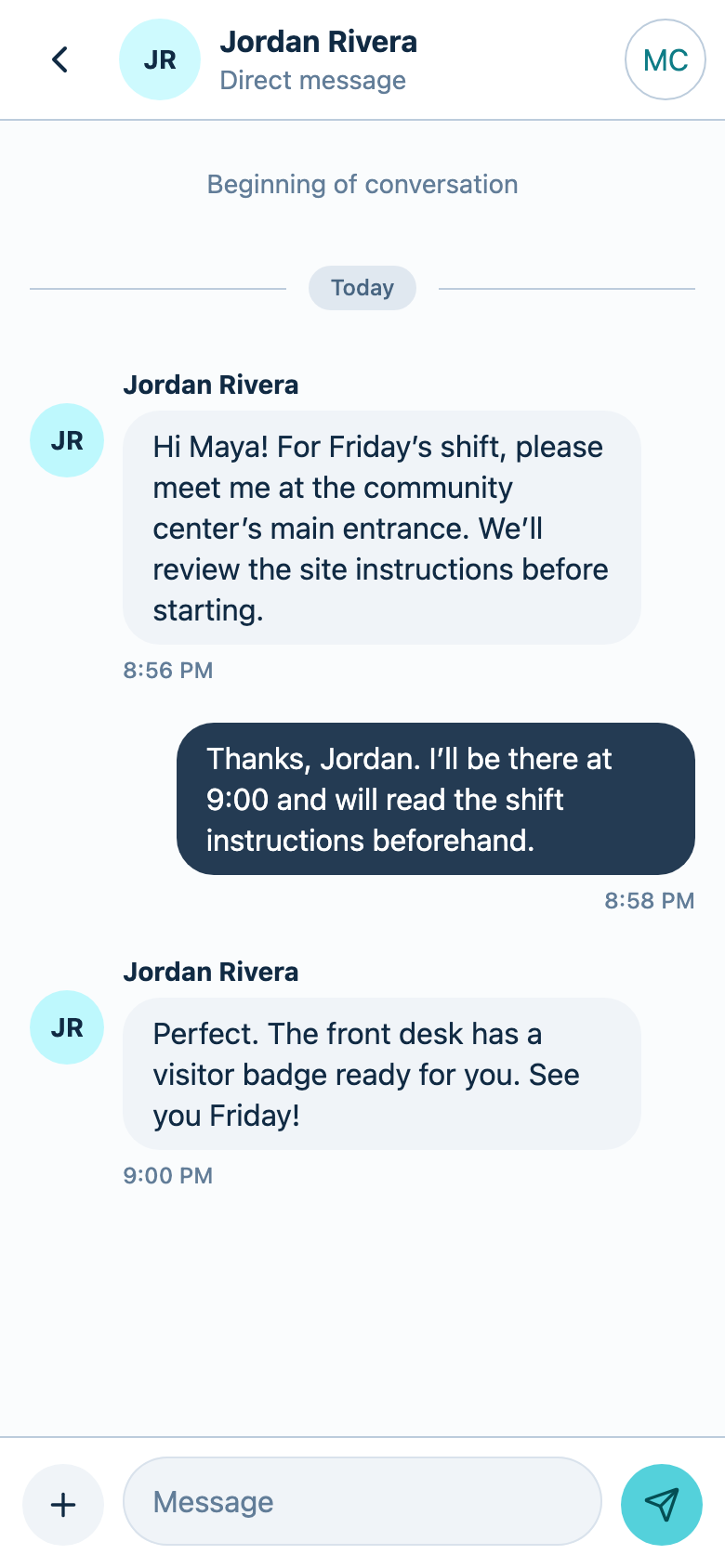
- Open Chat.
- Select a conversation.
- Read the latest messages.
- Enter your reply in the Message field.
- Use the send button to send your reply.
- Check that your message appears in the conversation without a sending error.
Start a direct conversation
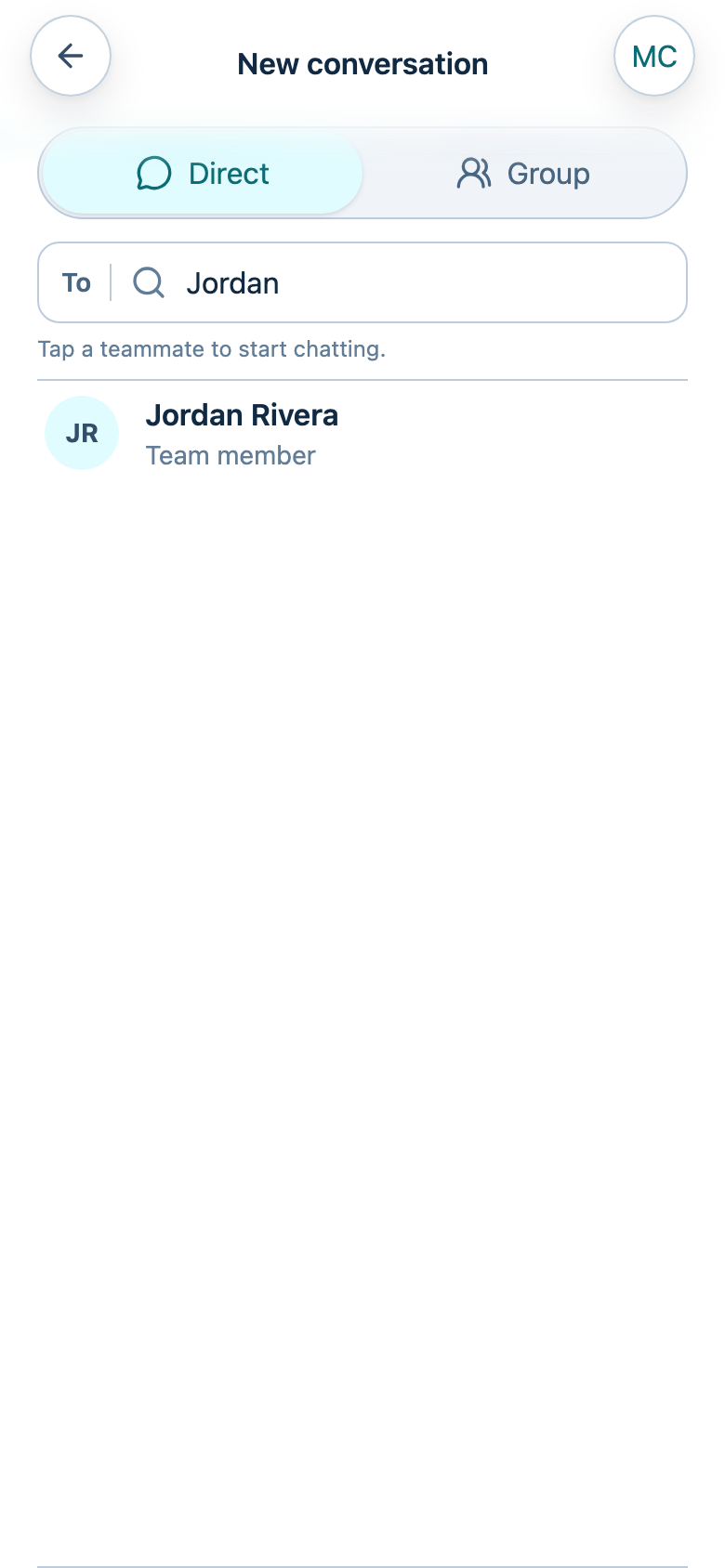
- Open Chat.
- Select New conversation.
- Select Direct if it is not already selected.
- Use Search by name to find a teammate.
- Select the teammate to open the conversation.
- Enter and send your message.
Check that it worked
Your message appears in the intended conversation. A sent message does not by
itself confirm that the recipient has read it or can respond immediately.
Troubleshooting
- A teammate is missing: Check that you selected the correct team.
- A message does not send: Check your connection and the message's displayed
status before retrying, so you do not send the same message twice. - Notifications do not arrive: Follow notification troubleshooting.